Legal and TSE: what the till does for you.
Every receipt is signed with the TSE; if it fails, the receipt says so. Every day is closed, every document is ready.
This page is information, not tax advice. Your tax adviser answers questions about your case.
How a receipt works
- 1
Order
dish booked, the order is handed to the TSE.
- 2
TSE signs
the security module signs the transaction and records the time.
- 3
Receipt
the signed receipt shows the signature data and a QR code.
- 4
Export
at the end of the day, the Z-Bon (daily closing report) and the file for the tax office are produced.
No TSE, no sale
If the TSE cannot sign, the till does not book and does not assign a receipt number either.
If the TSE really fails, an admin reports the failure with their PIN. Then the till keeps booking, without a signature, and every receipt is marked TSE-AUSFALL (TSE failure).
The TSE
The TSE is a security module with BSI certification; we give the certificate number on request. CellPOS works with the Swissbit USB stick.
The fiskaly cloud TSE is supported; in daily use, the USB stick runs.
CellPOS itself is not a "certified till". There is no official certification for till software.
Void and discount
A void reverses a whole receipt, with a reason and the boss's PIN. It is signed separately.
Single dishes can also be returned one by one (partial void). Receipts with a discount, service charge or tip can only be reversed in full.
Discounts need a reason and approval, and are split by tax rate.
Daily closing
The till closes the day at the set time and prints the Z-Bon.
A reprint is marked NACHDRUCK (reprint). The totals are the same as in the export.
Export for the tax office and your tax adviser
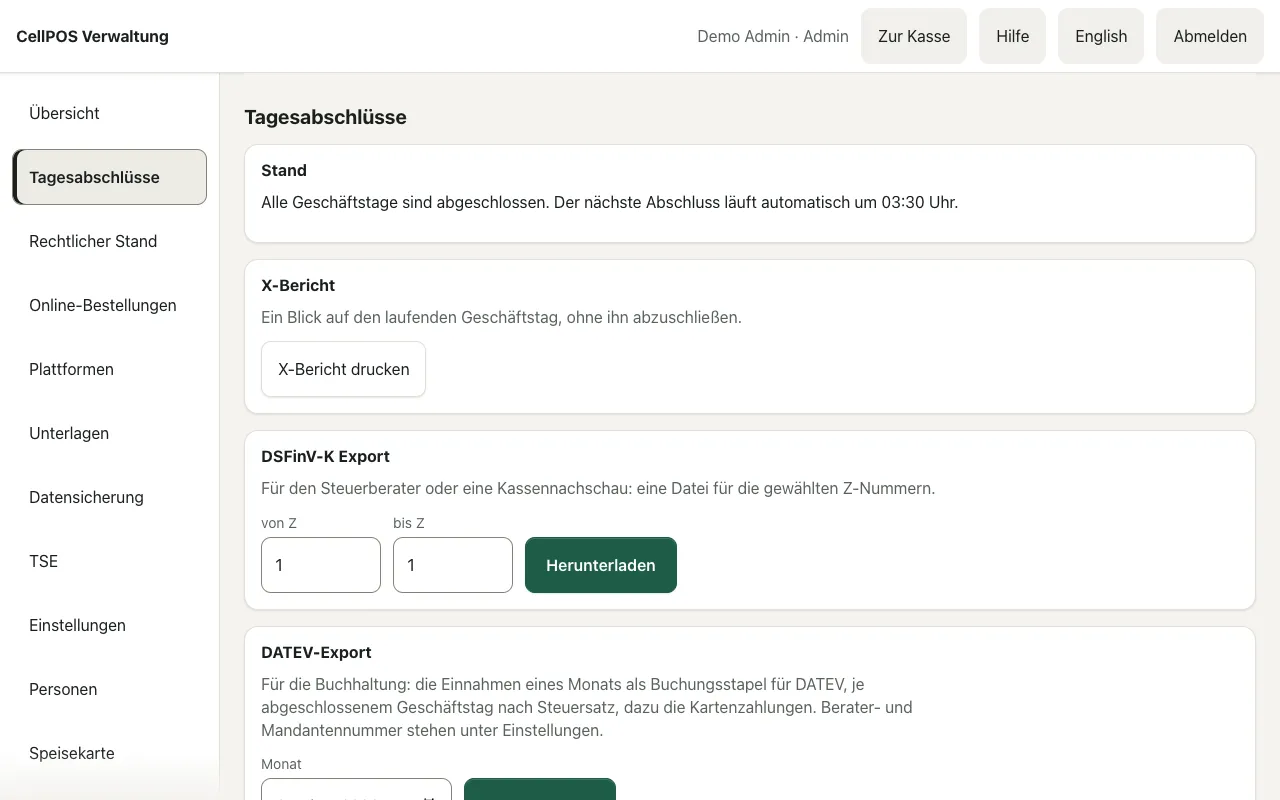
- DSFinV-K (the digital interface of the tax administration) as a file for each daily closing.
- Every export is checked twice; a second, independent checker reads it against the official description.
- DATEV file per month: sales by tax rate, tips, card.
- Verfahrensdokumentation (process documentation): the till writes it from its own data.
- Cash book for cash receipts and payments without a sale.
What does the inspector check at a Kassennachschau?
A Kassennachschau is an unannounced visit by the tax office (§ 146b AO). The red button in the admin area ("Rechtlicher Stand", legal status) creates a folder on the USB stick:
- DSFinV-K export as a ZIP for each daily closing, and the Z reports
- Cash book and Verfahrensdokumentation
- Details of the TSE and its export
- Values for the Kassenmeldung (notification of the till to the tax office)
- a checksum for each file
The till also prints a handover receipt, twice.
You can download a sample folder with invented data: three sales, one daily closing.
This is the shape of the folder the till creates for a Kassennachschau (unannounced cash-register inspection by the tax office). The amounts are invented and the TSE is a test module, not a certified TSE. The sample folder is not proof for your till.
Download the sample folder (ZIP, 26 KB)Legal status at a glance
One screen shows eight obligations, each green, yellow or red with one sentence.
Missing receipt numbers turn green once the admin enters the day on which they explained them to the tax adviser.
What the till does not take off your hands
- The Kassenmeldung to the tax office is filed by the business owner (ELSTER). CellPOS provides the values.
- Tax advice and review stay with your tax adviser.
Laws to read
§ 146a AO · § 146b AO · KassenSichV · DSFinV-K (Bundeszentralamt für Steuern, the Federal Central Tax Office).
Questions? Write to us